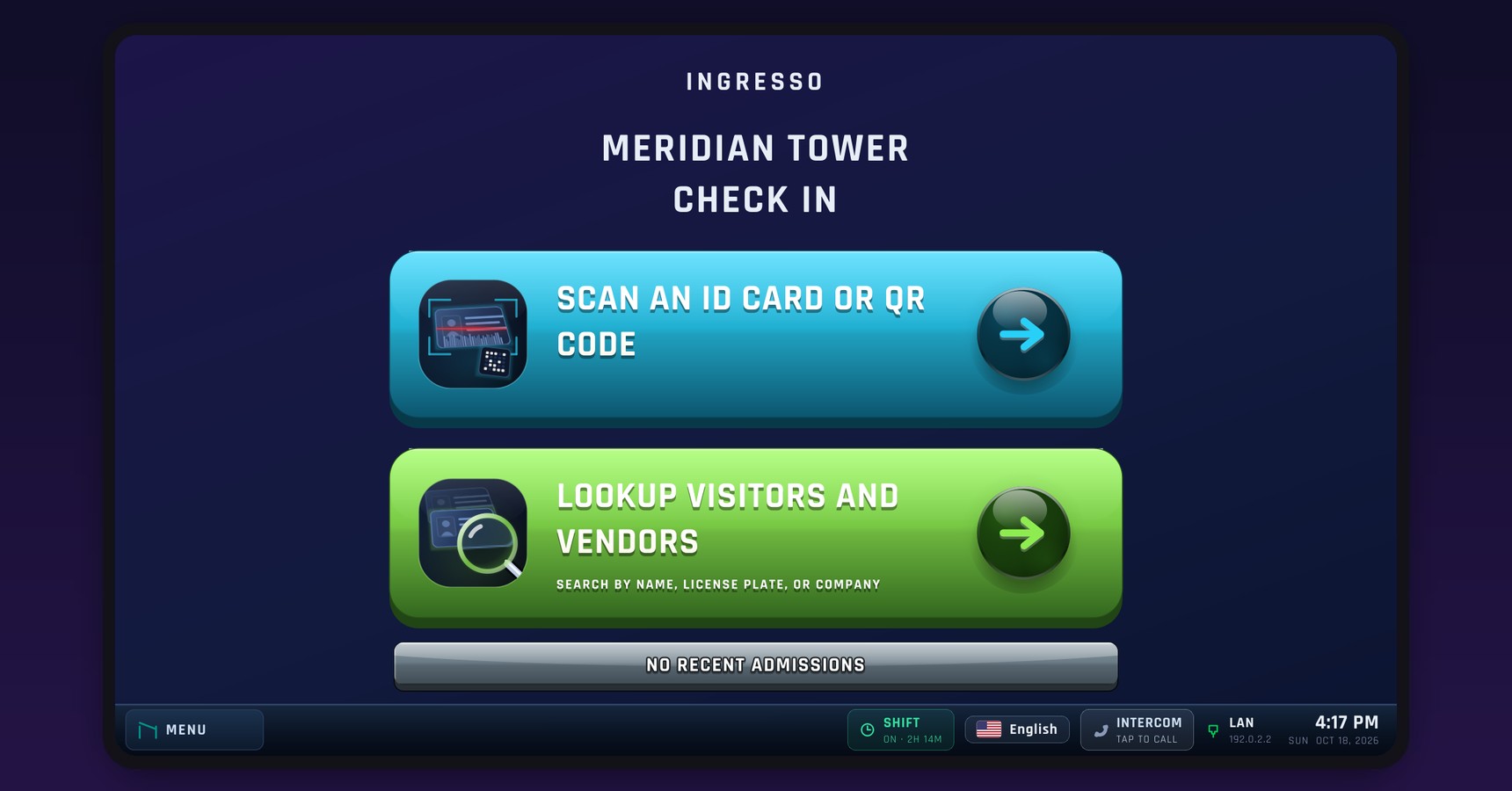
Attendant Station
A purpose-built check-in station for gatehouses and front desks. It does one job, does it in seconds, and cannot be turned into anything else. Every visitor is identified, photographed and logged before the gate opens.
How It Works
The attendant scans the visitor's state-issued ID or QR pass.
The station shows who they are, who they are visiting, and their photo.
One tap logs the entry and prints the pass.
What It Does
Name and ID are read straight off a state-issued ID. No typing, no misspellings, no guessing.
The visitor or vendor is matched against the property's own approved lists, schedules and the Banned List before the gate opens.
The driver and the vehicle are photographed from your gate cameras and kept with the record.
Parking, contractor and moving placards, printed with the dates they are good for.
A built-in intercom reaches staff in the manager portal when the attendant needs a decision.
Every arrival, who admitted it, when, and the photos, ready to review or export. The shift log hands over between attendants.
Why It Is Safer
No desktop, no web browser, no email. The only program on it is the check-in station, so there is nothing to click on and nothing to catch.
No way out of the check-in screen, no USB drives, nothing an attendant can install or change.
The station only reaches out to Ingresso over an encrypted connection. Nobody can connect in, including us, unless someone at the property asks for support, at the station or from the Manager Portal, and they can end it at any time.
Every update is sealed and signed. The station checks the seal, updates itself overnight, and puts the previous version back if anything looks wrong.
ID numbers are never stored in readable form, and every property's data is kept apart.
Attendant and manager accounts can check people in but cannot change settings; only your technician or administrator can. Every action is tied to a name.
A check-in system on a Windows PC is a full computer sitting at your gate, with everything a computer can catch. The Ingresso Attendant Station is a sealed device: the software is fixed, the doors are closed, and the only way in is the one the property opens on purpose.
Applications
Gate Attendant
Gatehouse check-in for guests, vendors and deliveries, with parking passes on the dashboard.
Front Desk
Lobby check-in with every guest logged against the unit they are visiting.
Front Desk
Lobby check-in for visitors, contractors and couriers.
Dispatch
Truck gate check-in for drivers and carriers, with driver passes and vehicle photos.
Guard Post
Visitor and contractor check-in at secure building entrances.
Technical Specifications
| Display | 1920 x 1080 capacitive touchscreen |
|---|---|
| Scanners | Two USB barcode scanners (attendant and visitor); Bluetooth scanners also supported. Reads QR passes and state-issued IDs (PDF417) |
| Printer | Receipt printer, ESC/POS (Epson-compatible), by USB or on the network, for passes and placards; paper and cover status shown on the station |
| Cameras | Two ONVIF / RTSP network cameras: driver overview and vehicle |
| Audio | Speaker and microphone for the intercom |
| Battery | Built-in battery supported and shown on screen |
| Connection | Wired Ethernet preferred; Wi-Fi supported; DHCP or static |
|---|---|
| Direction | Outbound only. No inbound ports, no port forwarding |
| Data | HTTPS (TCP 443) |
| Local devices | Cameras (RTSP) and a network printer (TCP 9100) on the station's local network |
| Setup | Quick and easy. The station is online and in service in minutes |
| Updates | Signed, encrypted firmware on the station's own channel; installs overnight, or at once from the Manager Portal |
| Remote support | Started only by the property, at the station or from the Manager Portal; a six-digit code confirms the session |
| Remote management | Settings, cameras, printer and restarts from the Manager Portal, without a site visit |
| Check-in | State-issued ID or QR pass; approved lists, schedules, ID expiry and the Banned List |
|---|---|
| Lookup | Search visitors and vendors by name, license plate or company |
| Photos | Driver and vehicle from the gate cameras, saved with every arrival |
| Passes | Parking, contractor and moving placards with their valid dates |
| Intercom | Two-way audio to staff in the manager portal |
| Shift log | Sign-in starts the shift; entries and handover notes feed the daily report |
| Languages | English, Spanish, French, Portuguese and Haitian Creole; each attendant picks their own |
Before you install: confirm outbound TCP 443 is open at the site. Put the gate cameras, and a network printer if you use one, on the same local network as the station. Place the visitor scanner where a driver can reach it from the vehicle.
Simple for the attendant. Reassuring for the board.