Visitor Kiosk
An outdoor check-in station that works day and night with no one on duty. Expected visitors check themselves in. Everyone else reaches the person they are visiting, or a live attendant, in seconds. Every entry is recorded with photos.
How It Works
The visitor scans the QR pass they were sent, or a state-issued ID, or looks up the person they are visiting by name.
The resident, tenant or a remote attendant sees and hears the visitor, wherever they are.
One tap approves the entry and records it with photos and who approved it.
What It Does
A visitor scans the QR pass they were sent, or a state-issued ID. The kiosk checks it against the property's approved lists, visitor schedules, ID expiry and the Banned List.
The visitor searches by last name, or by company at commercial sites, and taps Call. The resident, tenant, employee or staff member sees and hears the visitor on their computer. If they are not signed in, the kiosk rings their phone instead.
The person being visited grants or denies entry from the call, and can require the visitor to scan an ID first. On the phone, they press # to allow entry.
Talk to an Attendant reaches your staff in any web browser, with live video and two-way audio. Calls go to the next available attendant, like a PBX.
The visitor's face from the kiosk camera and the overview camera are saved with the record.
Every arrival, who approved it, when, and the photos. It all feeds the monthly board report.
Why It Is Safer
No desktop, no web browser, no email. The only program on it is the kiosk.
Visitors never see a menu. Only an authorized technician can sign in to service it, and every sign-in is logged.
The kiosk only reaches out to Ingresso over an encrypted connection. Nothing can connect in to it, and no port forwarding is needed.
A match is refused automatically. The screen asks the person to see the gatehouse and never says why.
The kiosk shows names only, never addresses. Phone numbers never leave our servers, and ID numbers are never stored in readable form.
Every update is sealed and signed, installs overnight, and puts the previous version back if anything looks wrong.
Applications
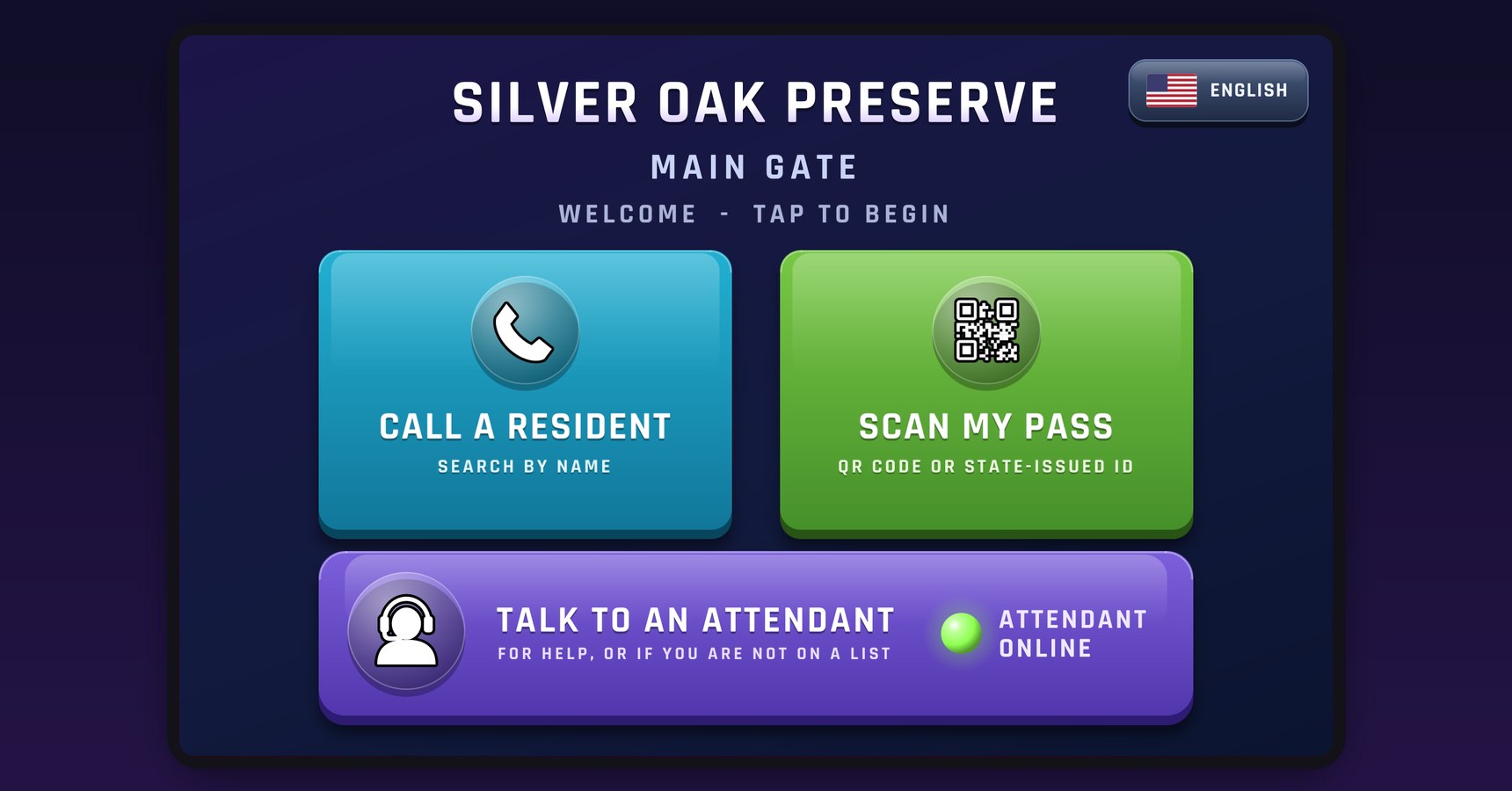
Call a Resident
Main gates and clubhouse entrances, with guest passes residents send from their phone.
Call a Resident
Lobby and garage entrances for condo towers and multi-family buildings.
Call a Tenant
Office and retail lobbies, with visitors searched by name or company.
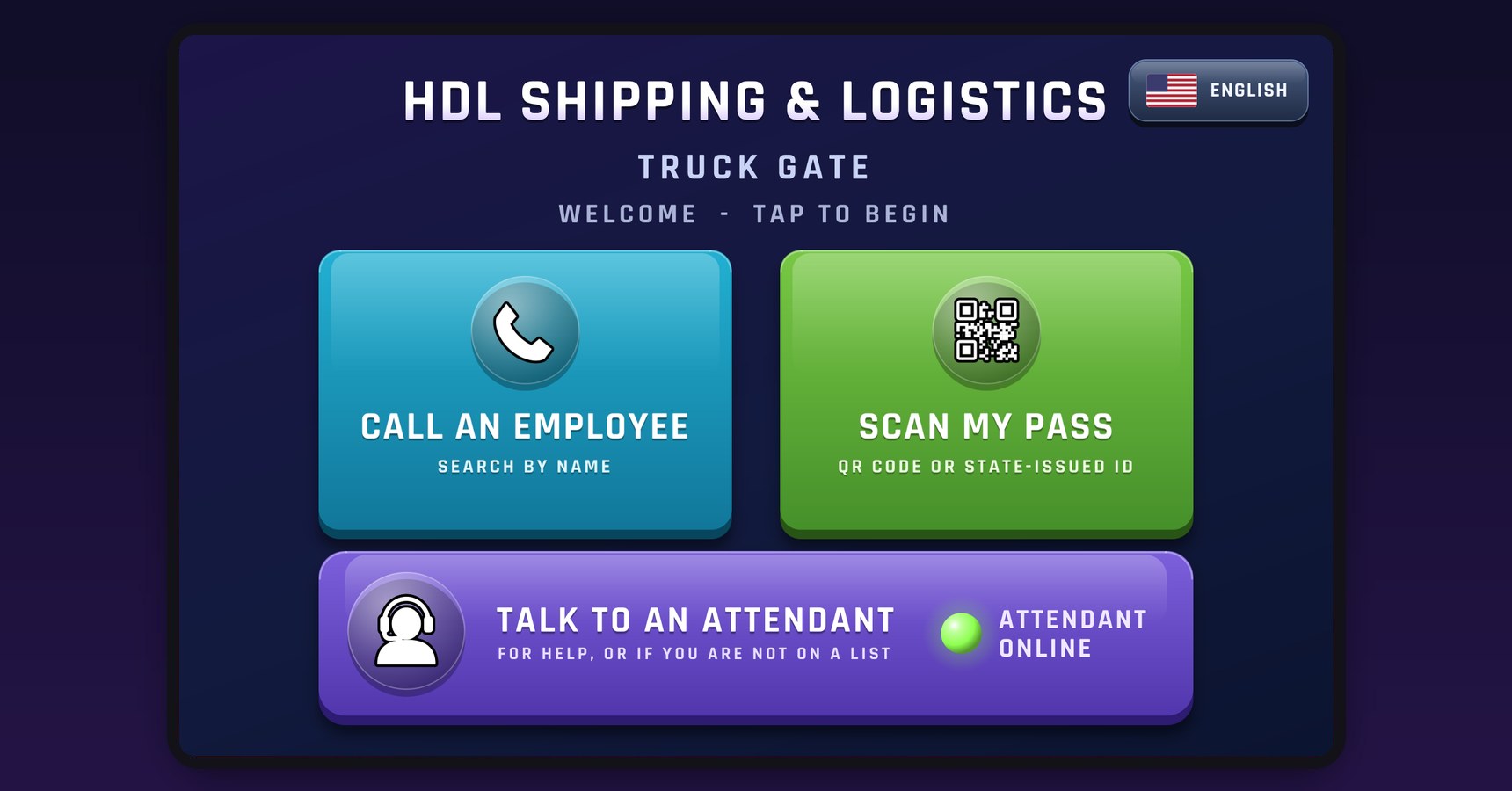
Call an Employee
Truck gates and docks, with every driver and carrier checked and logged.
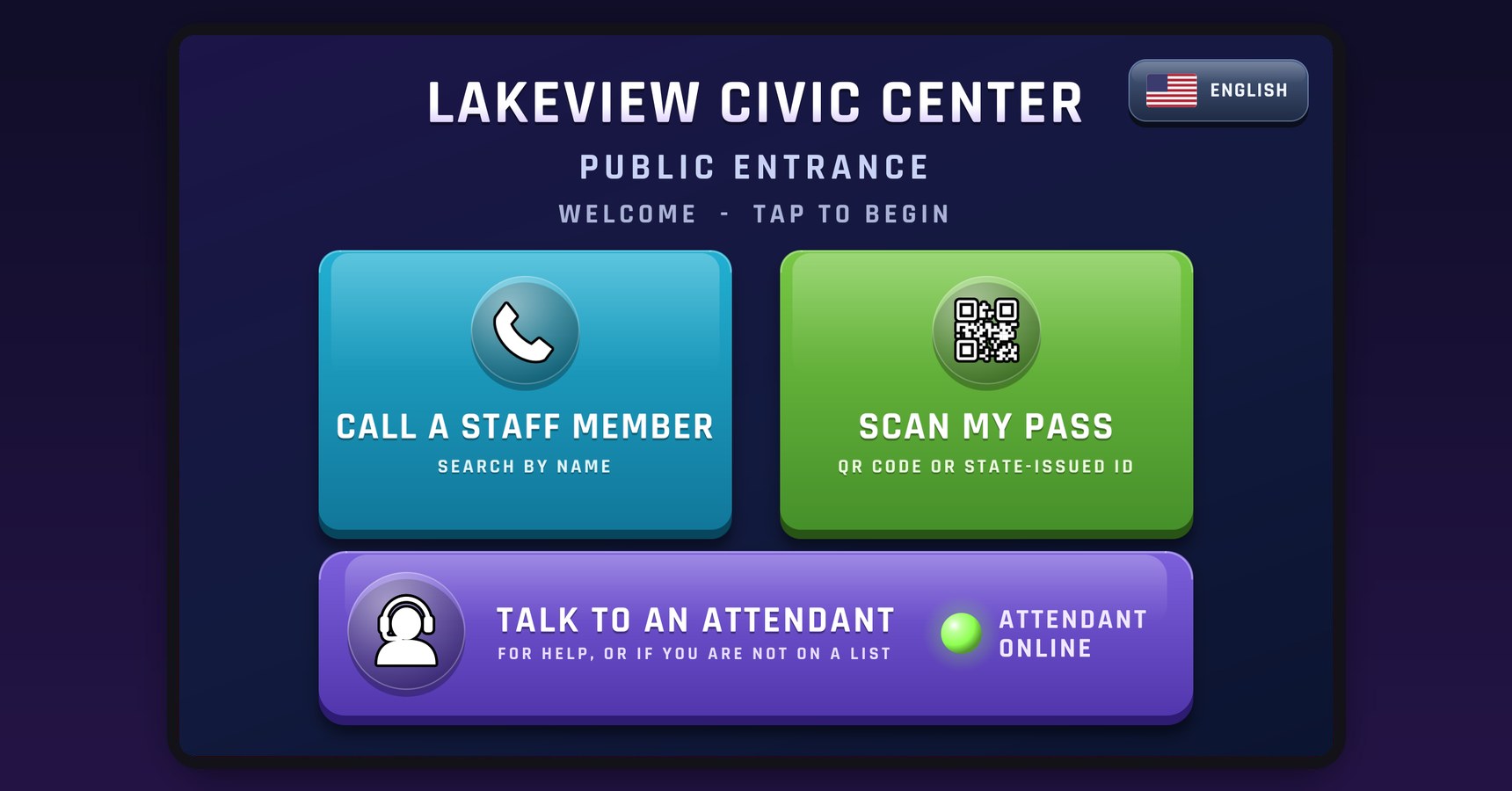
Call a Staff Member
Public entrances at municipal buildings and civic facilities.
Technical Specifications
| Display | 10 to 15 in. capacitive touchscreen, sunlight-readable |
|---|---|
| Enclosure | Weatherproof, rated for full sun and salt air; wall or pedestal mount |
| Camera | Built in, facing the visitor (USB/UVC) |
| Audio | Microphone and speaker with software echo cancellation |
| Scanner | USB barcode scanner; reads QR passes and state-issued IDs (PDF417) |
| Overview camera | Optional ONVIF / RTSP gate camera for the overview photo |
| Connection | Wired Ethernet preferred; Wi-Fi supported; DHCP or static |
|---|---|
| Direction | Outbound only. No inbound ports, no port forwarding |
| Data | HTTPS (TCP 443) |
| Calls | Encrypted video calls; phone calls over secure SIP |
| Setup | Quick and easy. The kiosk is online and in service in minutes |
| Updates | Signed, encrypted firmware on a kiosk-only channel |
| Self check-in | QR pass or state-issued ID; approved lists, schedules, ID expiry and the Banned List |
|---|---|
| Call | Search by last name, or by company at commercial sites; video and audio to the person being visited |
| Phone fallback | Rings their phone, then an alternate number; # grants entry |
| ID policy | Per kiosk: Off, Host chooses, or Required |
| Remote attendant | Answered in any web browser; callers queue with their place in line |
| Languages | English, Spanish, French, Portuguese and Haitian Creole, chosen by the visitor on the home screen |
Before you install: confirm outbound TCP 443 is open at the site. Allowing outbound UDP gives the best call quality; calls still work over the relay without it. Mount the screen and scanner within easy reach of a person standing at the kiosk or seated in a vehicle.
Easy for visitors. Reassuring for your board.